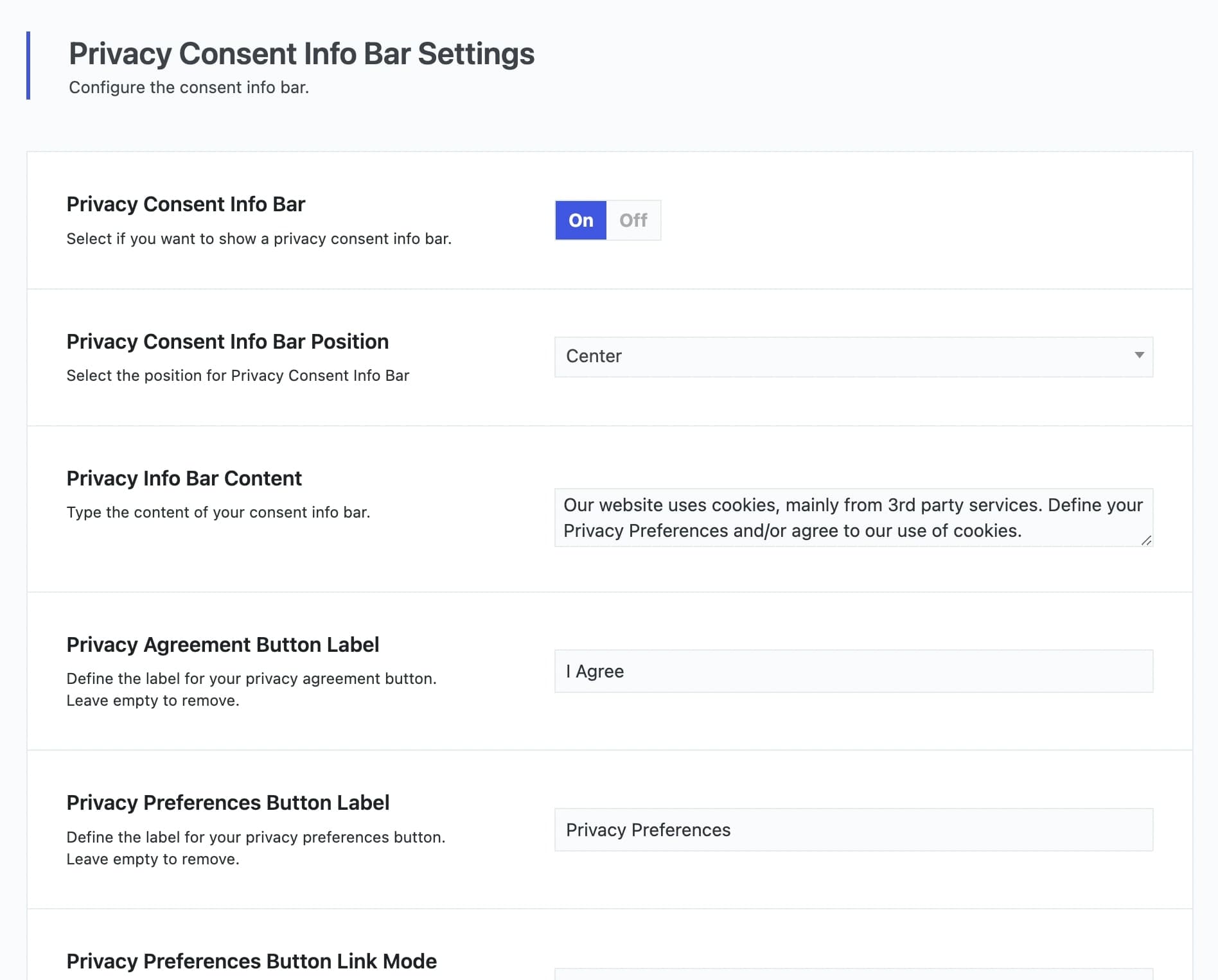
In Vasty, you can enable a Privacy Consent Info Bar to comply with the GDPR as you can see here.
Additionally, we have added custom blocking options that can be set by the Theme Options > Privacy/Cookies and have the ability to control your content by column. All you have to do is to create some custom blocking IDs. For this example, we have a set a blocking ID named custom-ID.

Among the already available shortcodes, now you can use this one as well: [gwcore_privacy_custom id=”custom-id”]Click to enable/disable custom content.[/gwcore_privacy_custom] and customize it as you wish. You could use it in the privacy modal along with the other blocked content.