
Add the JS tracking code under Vasty > Custom Codes and replace the UA-XXXXXXXX-X with your tracking id:
<script>
(function(i,s,o,g,r,a,m){i['GoogleAnalyticsObject']=r;i[r]=i[r]||function(){
(i[r].q=i[r].q||[]).push(arguments)},i[r].l=1*new Date();a=s.createElement(o),
m=s.getElementsByTagName(o)[0];a.async=1;a.src=g;m.parentNode.insertBefore(a,m)
})(window,document,'script','//www.google-analytics.com/analytics.js','ga');
ga('create', 'UA-XXXXXXXX-X', 'auto');
ga('send', 'pageview');
</script>
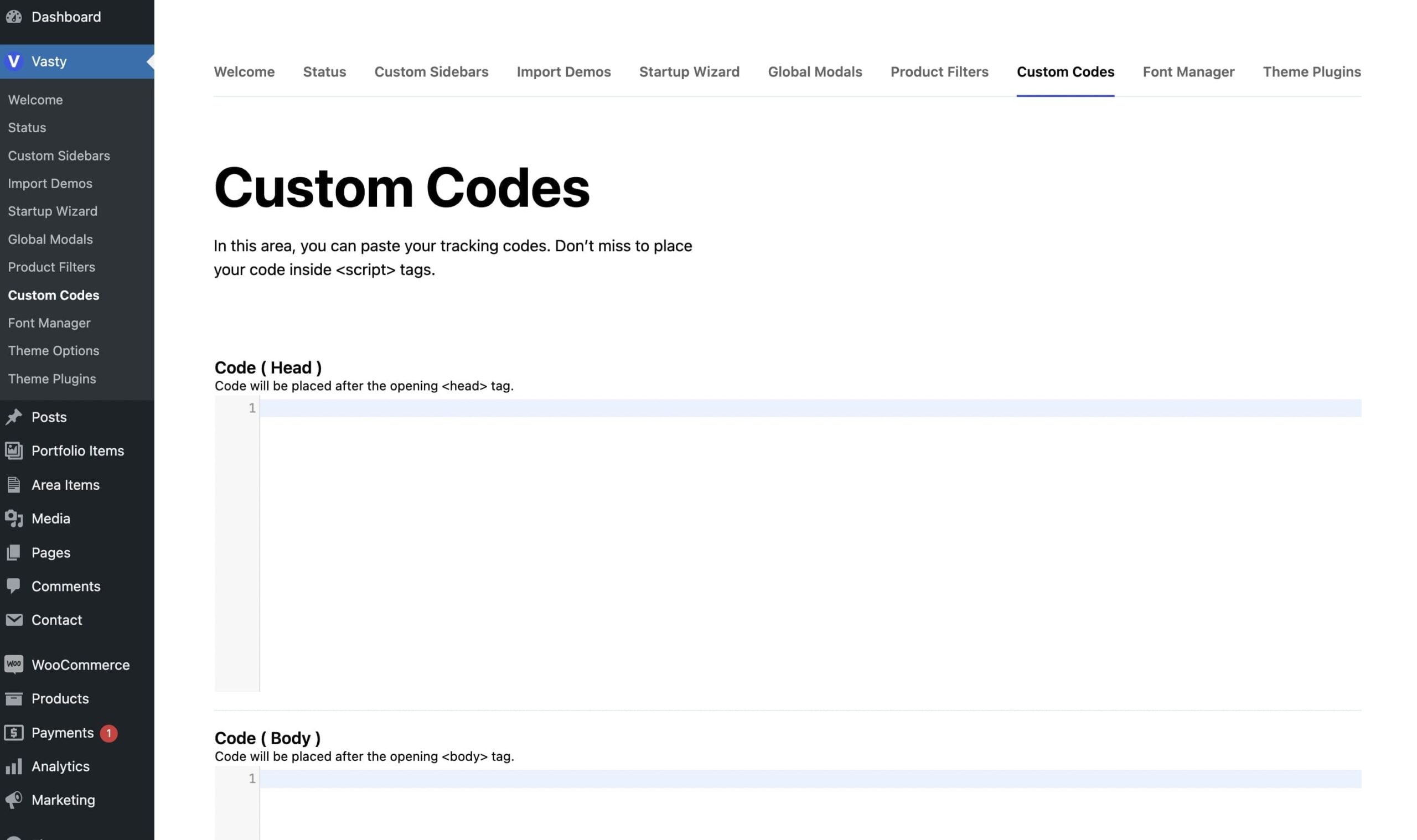
Note that you can add any custom code in these fields and not just the tracking code for Google analytics.