
Under Theme Options > Typography, you can select a variety of Standard and Google Fonts.
In some cases you might need to use a Custom Font, we have implemented a solution to add your Custom Fonts and be able to select them in the Typography section of our options panel ( Theme Options – Typography ).
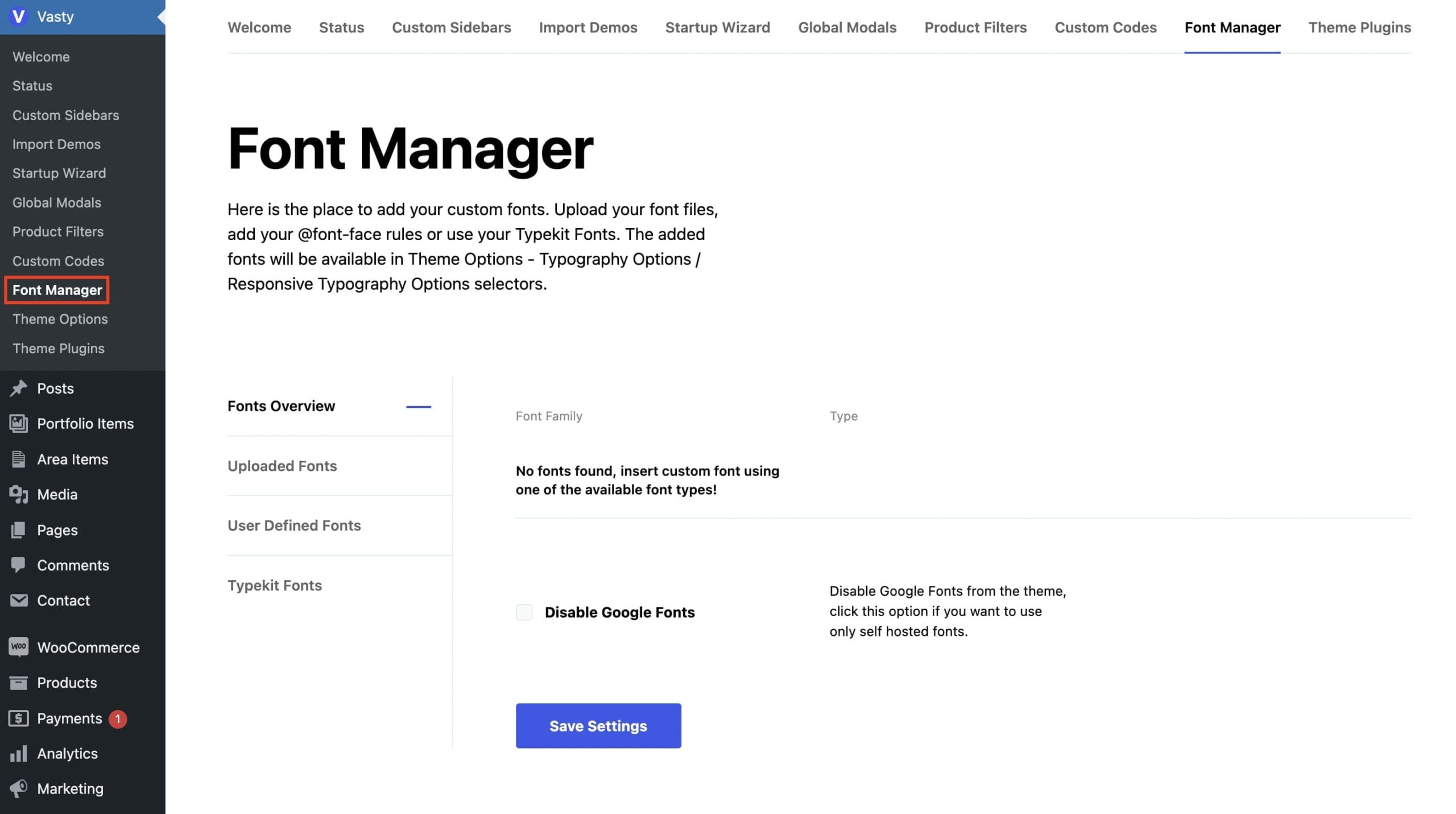
Vasty provides an easy way to add your custom fonts. Go under Vasty > Font Manager.
You can upload a custom font, import a font with CSS, or use Typekit fonts. In Fonts Overview, you can also disable Google Fonts so you will use only your hosted fonts.