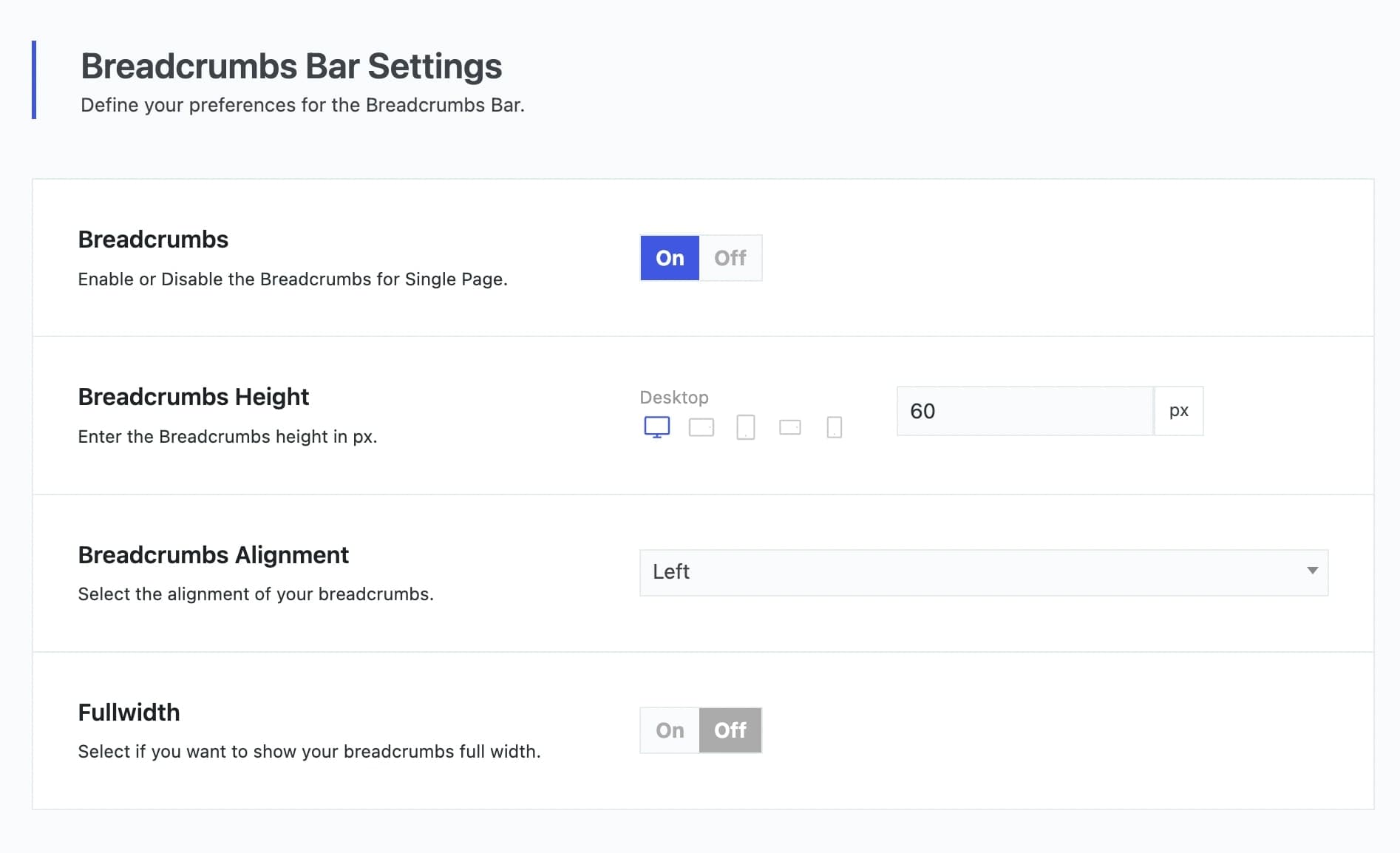
Vasty Theme provides built-in functionality for Breadcrumbs. You can enable them via Appearance > Theme Options > Page Options / Blog Options (Single Post) / Portfolio options (Single Portfolio) / Woocommerce Options (Single Product) > Breadcrumbs Bar Settings respectively, depending on where you want them to appear.
In case you want something more advanced, Vasty also supports the following 2 external plugins:
All you have to do is to have the Breadcrumbs option enabled, where applicable, and then the external plugin’s settings will override the native function. Both of these external plugins provide multiple options for you to set up your breadcrumbs as you wish.