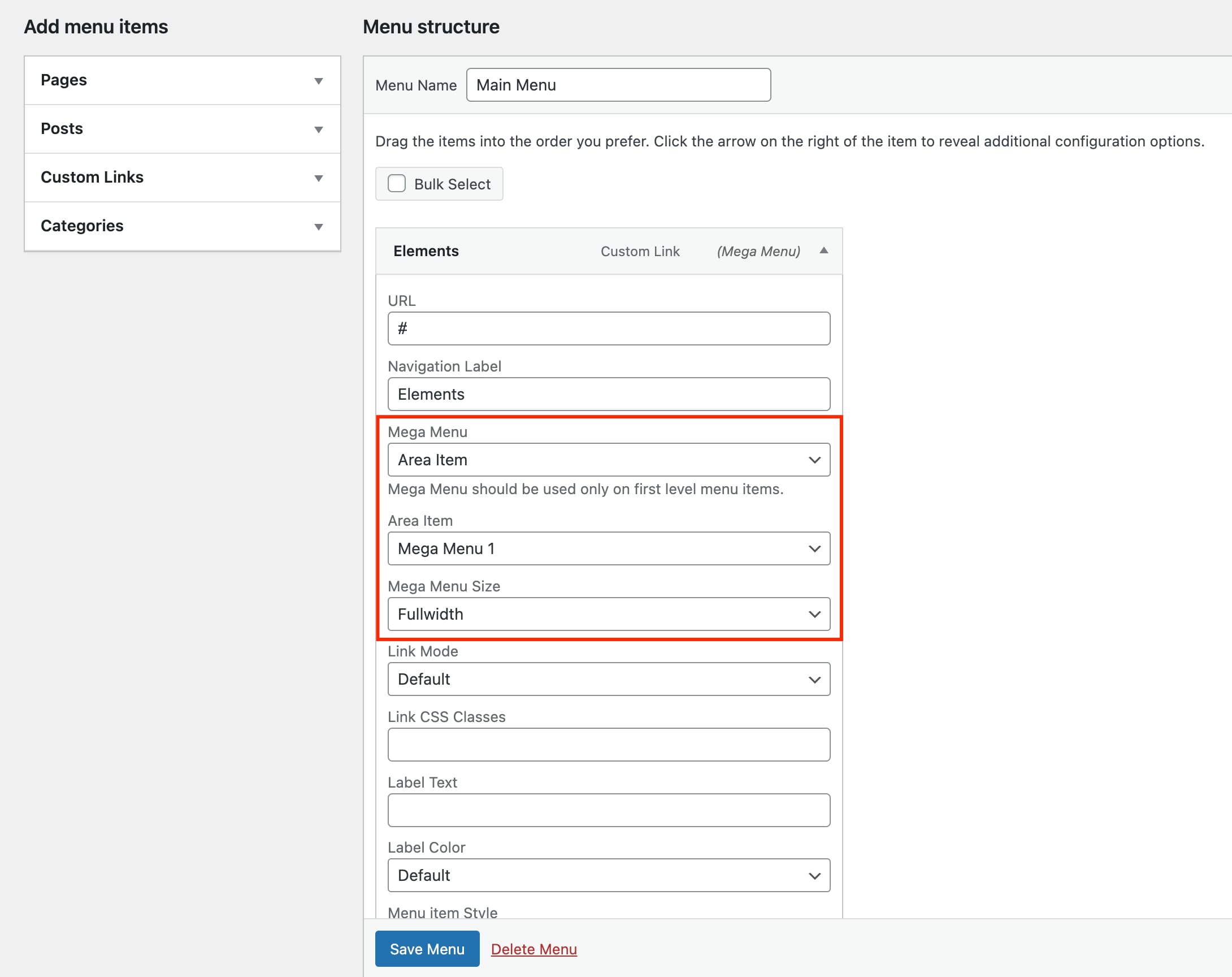
You can design and develop any custom mega menu with no restrictions and without any extra plugins. Use the flexibility of the Area items and place any of them in the drop-down mega menu item. Let’s see how simple is this.
- Create the Area items you need under Area Items.
- Under Appearance > Menus select the Area Item option in the Mega Menu selector.
- Finally, choose any of the available Area Items.
- Save the Menu and check.