
Do you just need specific Elementor blocks or pages from Vasty demos to create your site? Do you just need to import a few pages to get a simple understanding of how the theme works and what certain elements and functions have to offer you?
Vasty offers the option via the GW Elementor Addons Template Library. This is an amazing feature integrated into Vasty to help users create new pages with just a few clicks.
The GW Elementor Addons Library includes selected sections and all the individual pages from the theme demos.
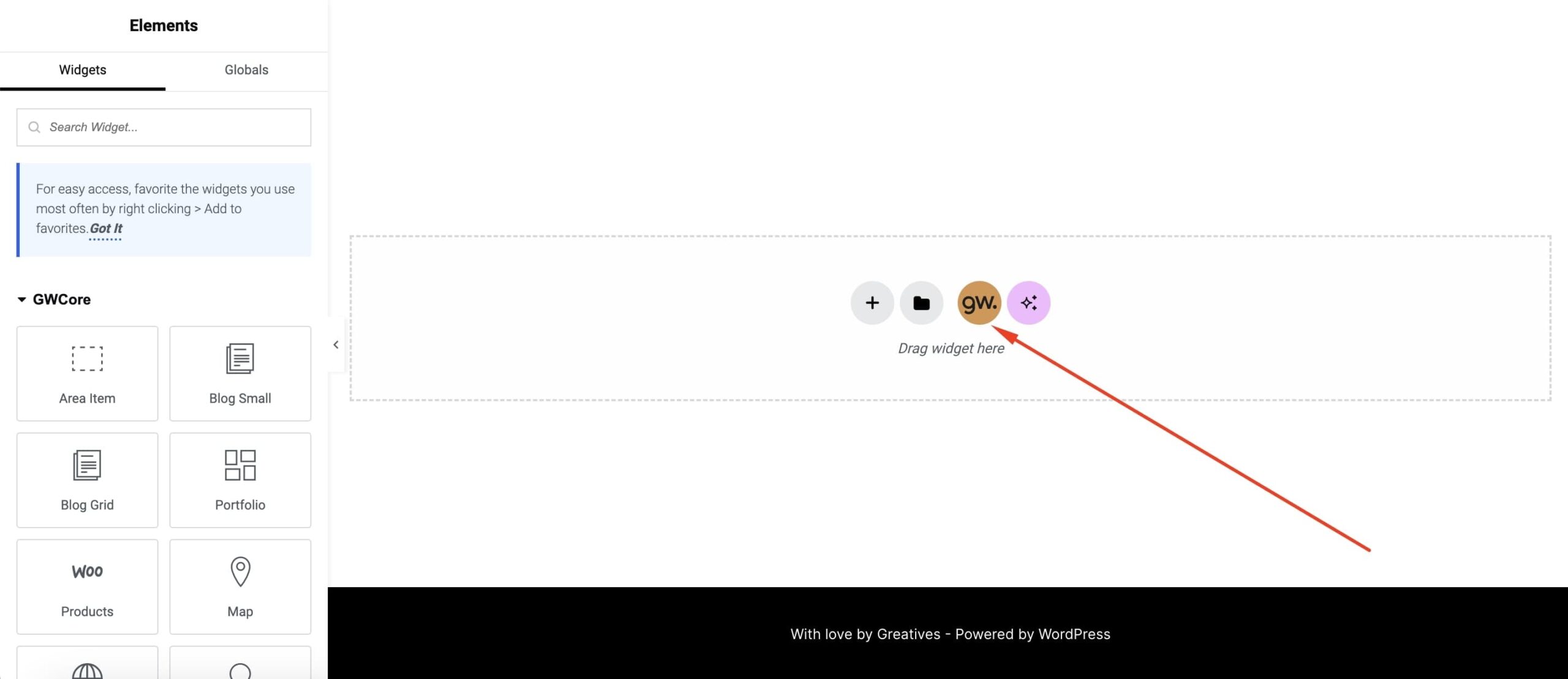
While editing your page with Elementor, you only need to click on the GW Icon at the bottom of the editor to open the Library and navigate to the demo sections and pages.
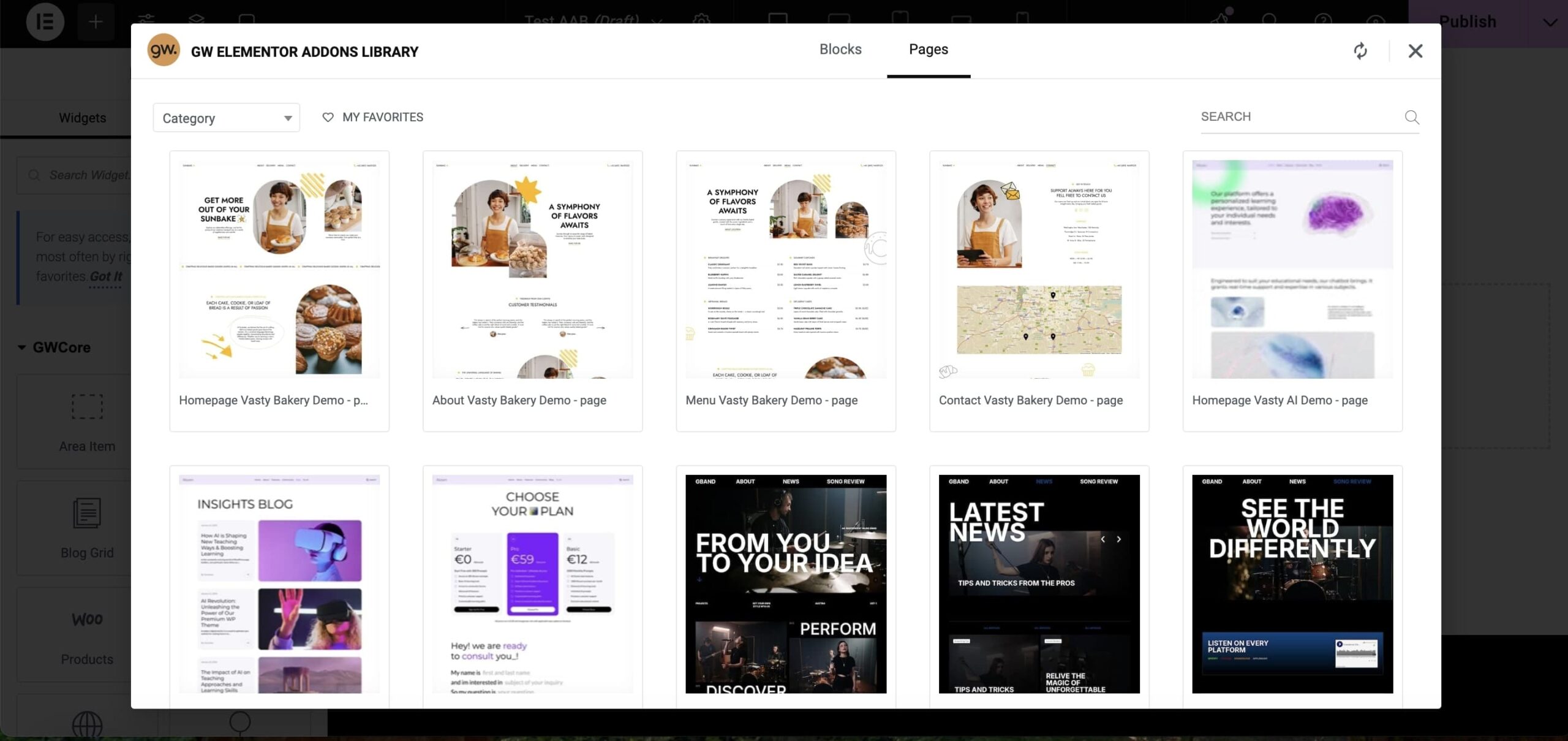
At the top of the modal, you will see the 2 different template types. The first one is the Blocks type where selected sections, are categorized into basic categories (widgets, themes, demos) and ready to be imported into your page. The second one is the Pages type where you will find all the demo pages and import any of these into your pages. When you select your preferable blocks/pages, import these into your page by clicking “Insert”. Enjoy it 🙂