
Vasty comes with the Elementor WordPress Website Builder, a drag-and-drop page builder with built-in responsive options.
As you can easily see, Vasty’s elements, the GW Core widgets, are specially handmade for the theme’s preferences, and they harmoniously use the amazing visual interface of the composer. That means you will not find just one Elementor copy with its elements. When you install the GW Core Extension by Greatives, you can use the theme’s widgets. These elements are the basic theme elements and they are not part of the GW Elementor Addons elements.
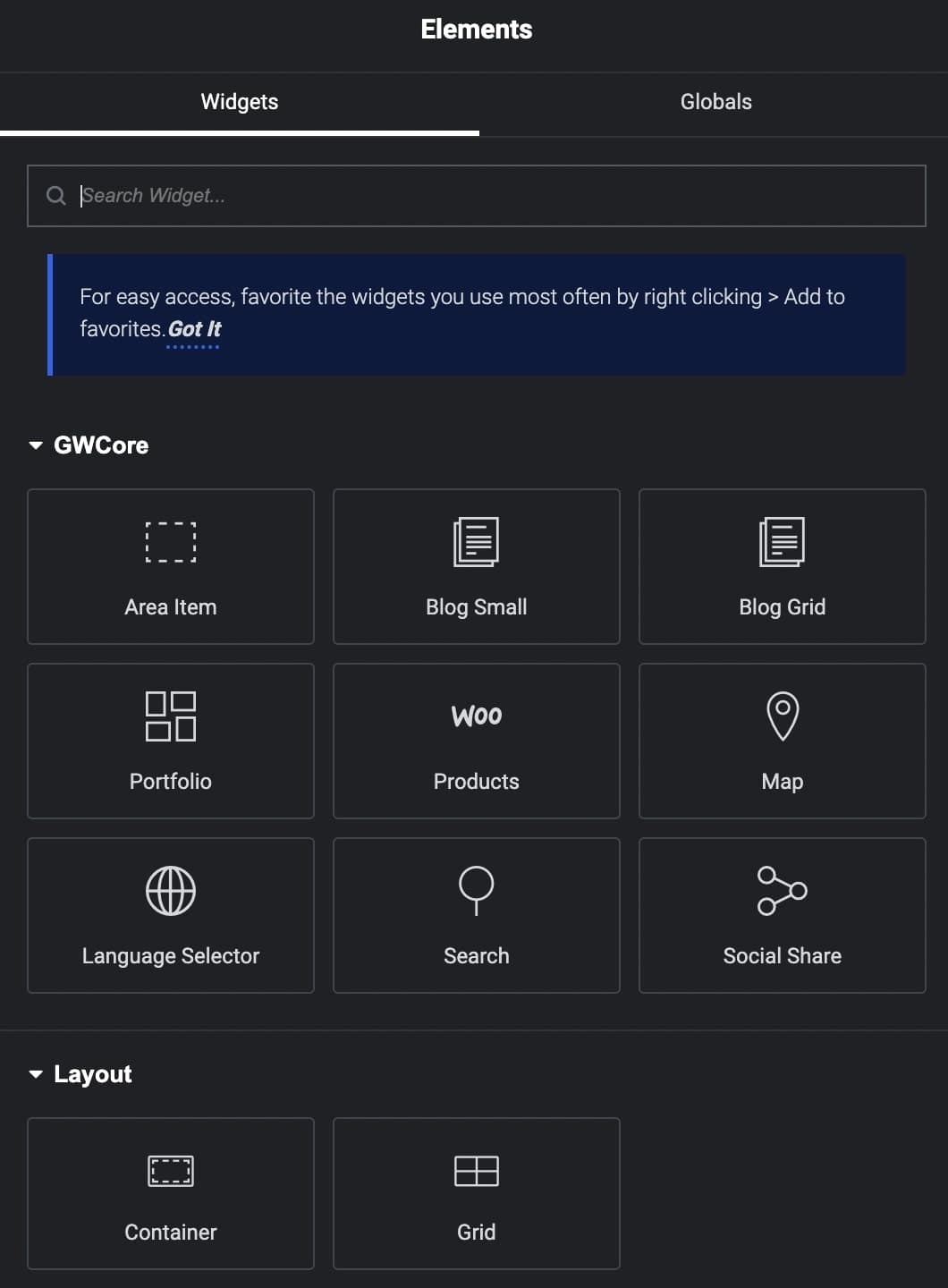
Let’s take a brief look at the elements:
Language Selector
Place the language selector and select its style (Dropdown, List), alignment, and CSS animation.
Social Share
With this element, you can simply add social media share icons anywhere on your pages in multiple styles.
Blog Small & Blog Grid
The Blog widget is undoubtedly one of the most important elements that most of the users will probably use. Based on that fact, Vasty offers two basic options for this element in Elementor.
There are two separate elements to showcase your posts, Grid and Small layout.
Select between the various styling and layout options, define the number of posts, filters, categories, and many more.
Portfolio
Another famous element for any site is the Portfolio element to showcase your work online. Based on that fact, Vasty offers the GWCore Portfolio element to showcase your portfolio items in Elementor.
Products
This element will add your Products to your page. Select the number of columns, media options, pagination, filters, and styling options such as the Product Style-Hovers option.
Map
Give the Latitude/Longitude, set the map height, and the zoom you wish for your map. You can have single or multiple points with your image markers or with theme dot icons in which you can also define the background color. Last but not least, you can keep or disable the custom style you may have created under Theme Options.
Area Item
This element is used so you can place an Area Item inside the content. This can help you use it on various pages or other post type items and update the content once via the Area Items.
Search
The Search element helps you add a search button in the content.